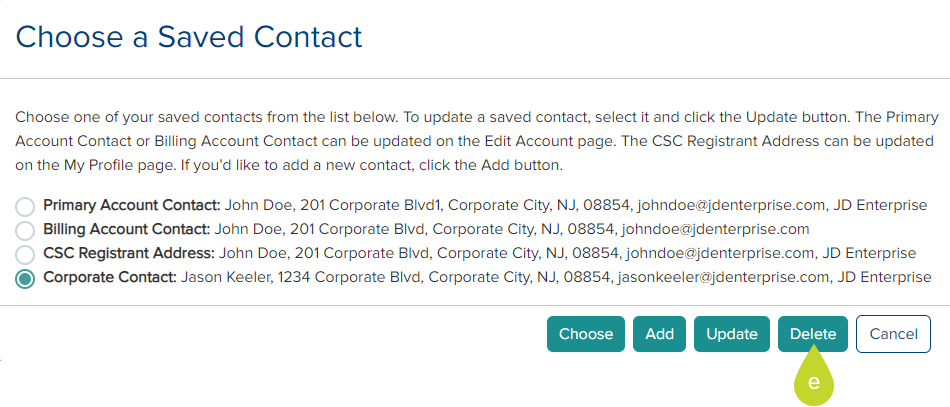
Add/Update/Delete Billing Contact
When editing an account, you may add a contact other than the Primary Account Contact, Billing Account Contact, or CSC Registrant Address.
- From the left-side navigation menu, click My Account.
- On the My Account page, click Edit Account.
- Click the Choose a Saved Contact button under the Primary Billing Contact (Required) section.
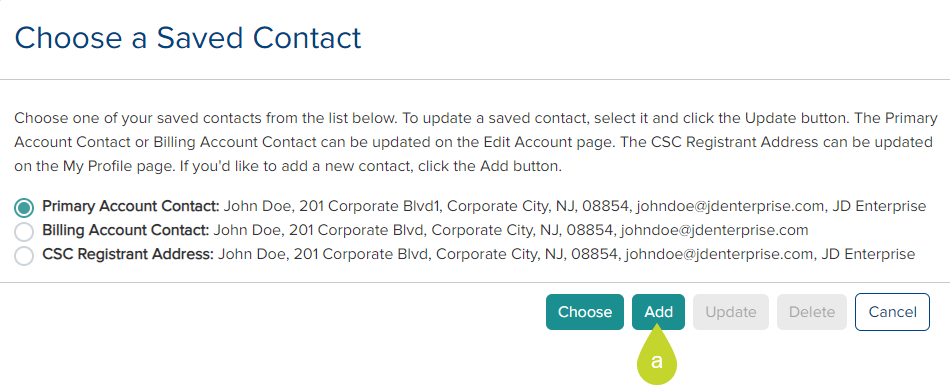
Add new Billing Contact
- If you wish to add a new billing contact, click the Add button and enter at least the mandatory information.

- Click Add. The new address is added to the list of addresses.
Update Billing Address
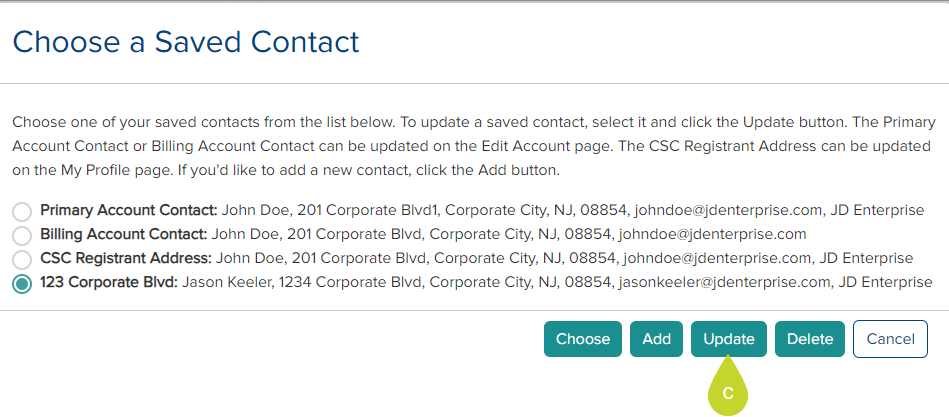
You cannot update the Primary Account Contact, Billing Account Contact, or CSC Registrant Address here. You can only update the added contacts from this dialog.
- Select the address and click Update.
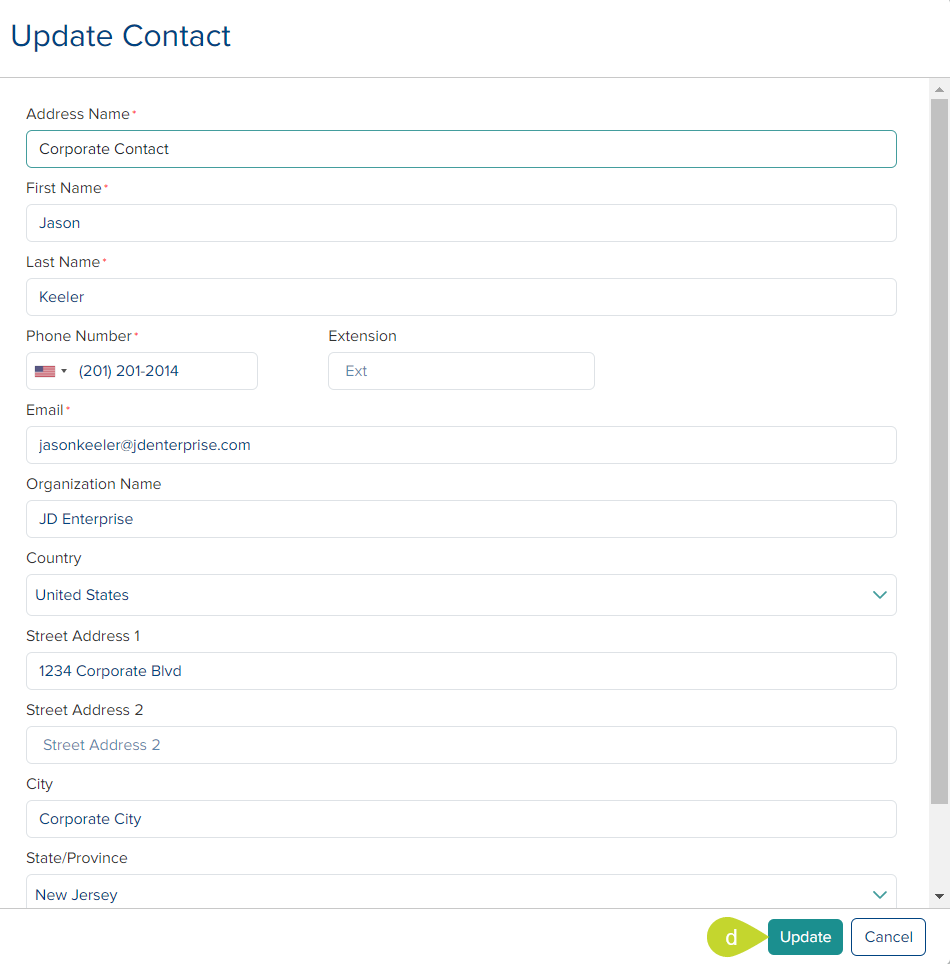
- On the Update Contact window, make the necessary changes and click Update.
Delete Billing Address
- You can only delete the addresses added here from this window by selecting the address and clicking the Delete button.