Reports
You can download reports in XLSX format from the Reports page. Five types of reports can be downloaded from this page.
Note:
- You can only download one report at a time.
- Any labels with * are mandatory fields that are necessary to proceed.
- From the left menu, click Reports.

- Select any of the following Report Type and click Download Report.
|
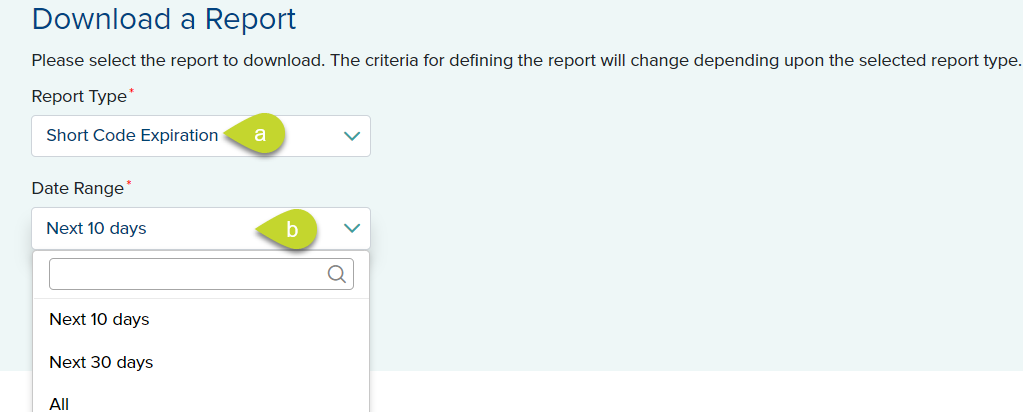
The Short Code Expiration report lists short code information where the short code is expiring within a specified date range. This also includes the list of short codes that have recently expired and the new applications with pending short codes.
|
 |
|
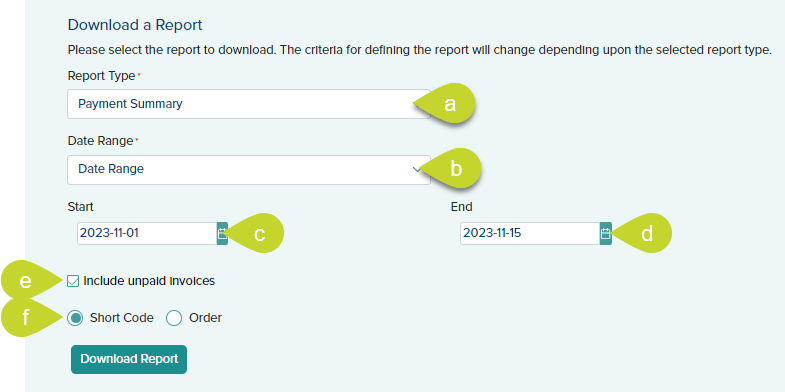
The Payment Summary Report lists the payment information for prepaid orders and monthly invoices where the payment was received within a specified date range. The report can be requested by short code or order ID.
|
 |
|
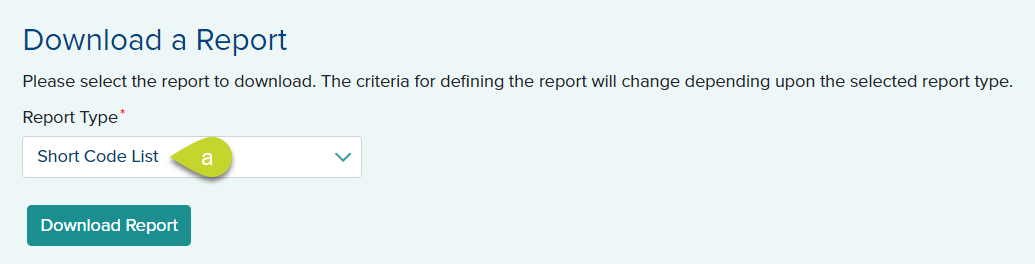
The Short Code List report lists the short code information of all the short codes you own.
|
 |
|
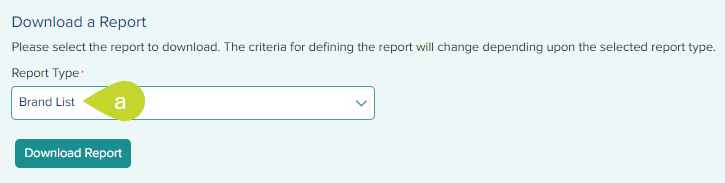
The Brand List report lists the brand information of all the brands you own, their vet status, and all associated short codes.
|
 |
|
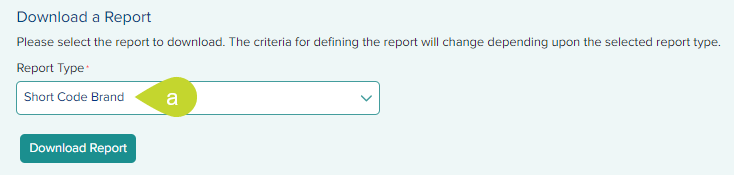
The Short Code Brand report shows the details for all the short code-brand associations as well as brands with no short code associations.
|
 |
|
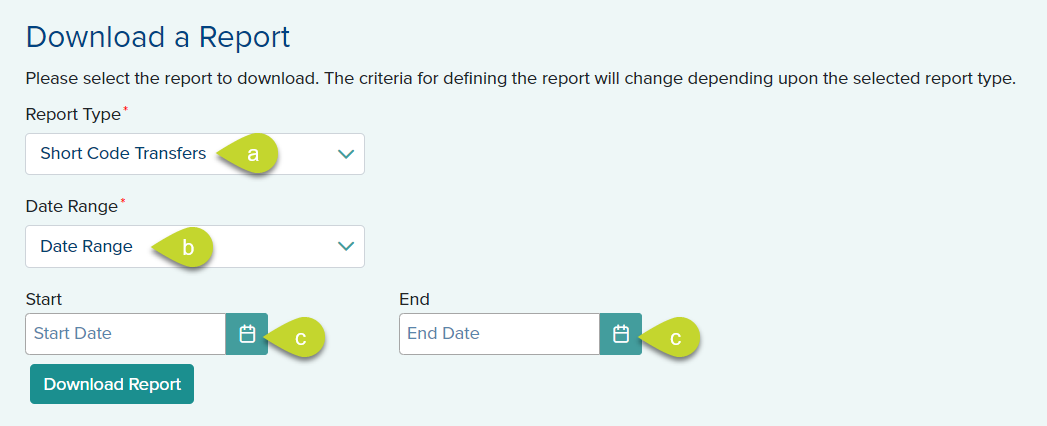
The Short Transfers report lists the information of all the short codes transferred to and from your account.
|
 |